Prerequisites
Before you start, make sure:
-
You have an active UK entity set up in Light
-
You have valid HMRC Government Gateway credentials
Step 1 – Connect Light to HMRC
-
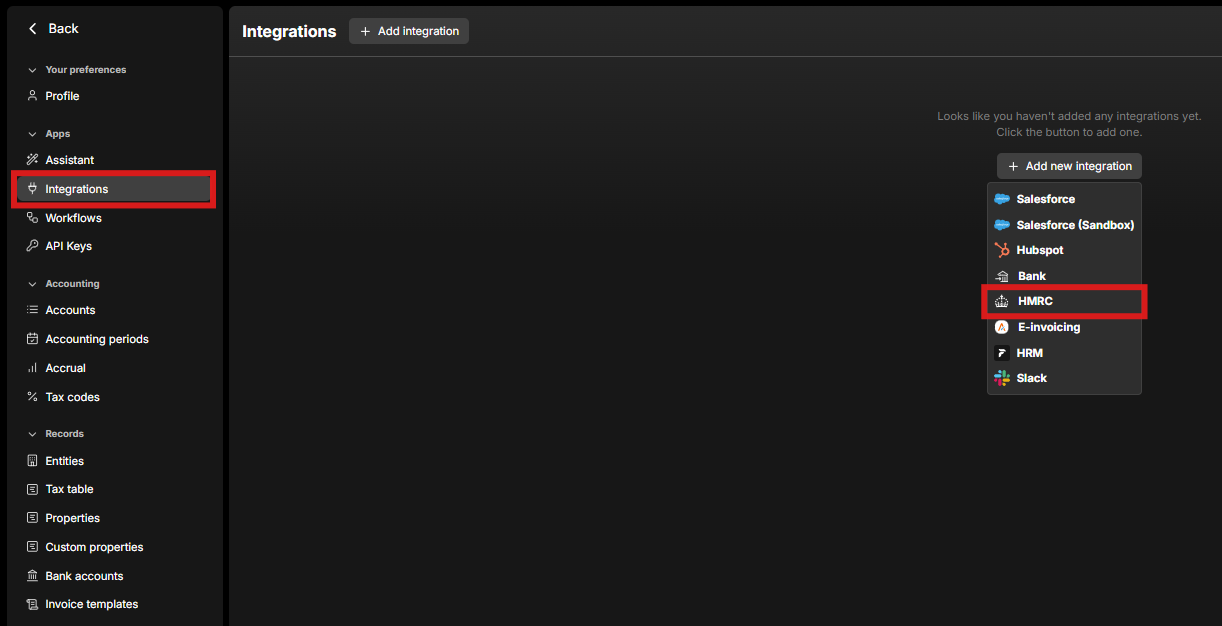
In Light, go to Settings → Integrations → Add Integration → HMRC.
-
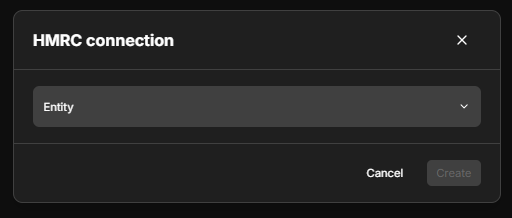
Select the UK entity you wish to connect.
-
You will be redirected to the HMRC login page.
-
Enter your HMRC credentials to authorize the connection.
-
Once completed, Light will sync with HMRC for VAT submissions.

Step 2 – Submit a VAT Return
-
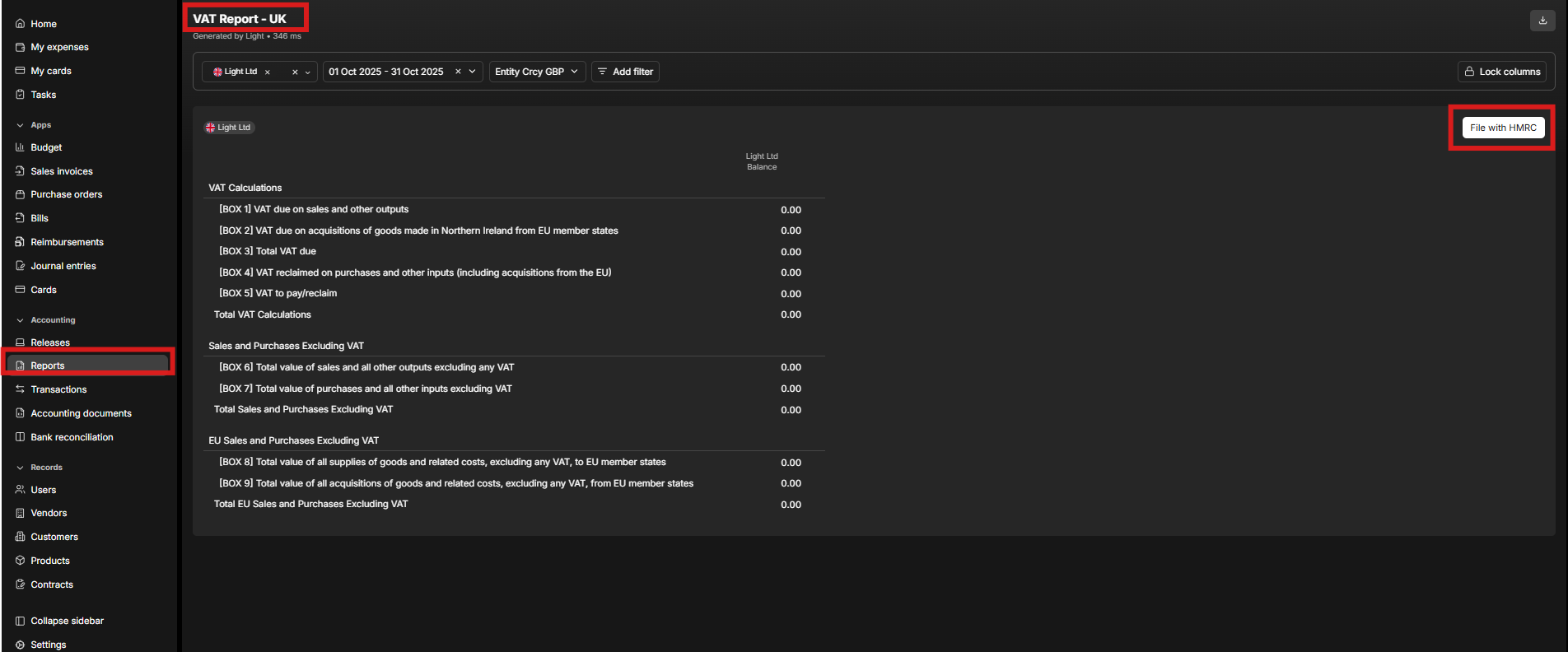
Navigate to Reports → VAT Report (UK).
-
Select File with HMRC.
-
Choose the reporting period.
-
Submit the VAT return directly through Light.