
What it does
-
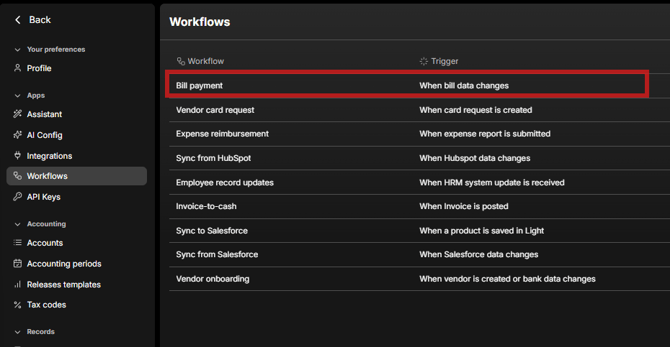
Governs approvals for vendor invoices and reimbursements that reach respective Inbox.
-
Ships with a usable default: bill approvals are required; default setup often includes 2 required approvers (you can change this; minimum is 1).
Conditions you can use
-
Amount (with currency normalization) — e.g., “If > €4,000 then route to senior approvers.”
-
Bill Type — Vendor Invoice vs Reimbursement (lets you branch logic).
-
Vendor — special routing for specific suppliers.
-
Submitter — available when the item is a reimbursement
Approver logic (flexible routing)
-
Approvers can be specific Users or derived rules:
-
Manager of Requester or Manager of Previous Approver (walks up the line as needed).
-
-
Minimum Approval Level (Org Levels):
-
Define User Groups with levels (e.g., Team Lead=1, VP=2, CTO=3…).
-
Require that at least one approver is at or above a specified level; the workflow will climb the manager chain until the requirement is met.
-
-
Vendor defaults:
-
If the workflow doesn’t assign all approvers, Vendor-level defaults (set on the vendor) will fill remaining approver slots.
-
Practical examples
-
Two-tier by amount: “≤ €2,000 auto-approve; > €2,000 to Manager of Requester and one VP+ approver.”
-
Vendor exception: “If Vendor = Acme Cloud, add CTO-level approver.”
Known Behaviors & Tips
-
Groups for Bills: Bill approvals notify selected users (not entire groups). Vendor approval workflow (separate) supports group notification where any one group member can approve.
-
Start simple: Begin with amount-based routing and a single manager step; add seniority (Minimum Approval Level) as needed.